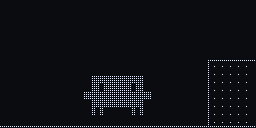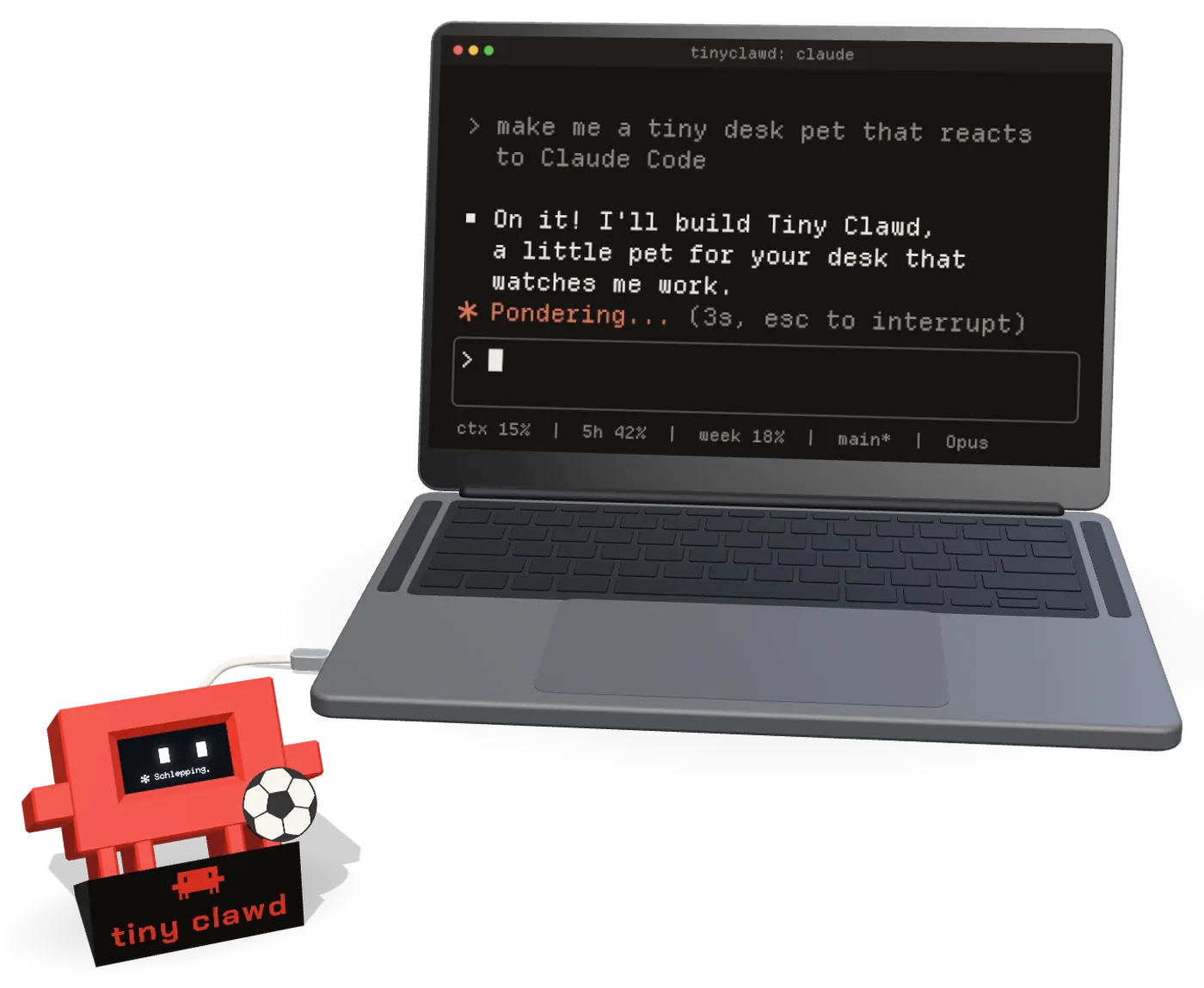
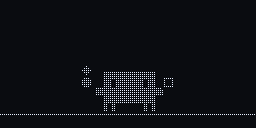
a 3D printed Clawd with a 1.3 inch OLED face. it plugs into your laptop over USB and shows what Claude Code is doing, as it happens.

github build one

fan-made, not affiliated with Anthropic.
not for sale, you build it.

a laptop running Claude Code, plugged into Tiny Clawd on his stand

tiny clawd

screen
1.3" OLED
brain
ESP32-C3
input
1 touch pad
animations
100+
games
7+
parts
~$5

you hit enter.

it starts thinking too. a spinner and a silly word, or a lightbulb.

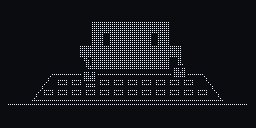
every tool gets its own look.

Bash commands are sorted by what they do, so a build looks different from a test run.

a squad for subagents.

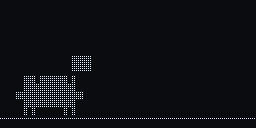
when Claude Code starts subagents, mini Clawds march in, one for each (up to 8), and pass a ball around.

start one more and a substitute comes on. when the last one stops, the squad walks back out.

it calls you back.

a permission prompt or a question? the whole screen flashes the project name until you answer, so a session doesn't sit there waiting while you are in another window.

run a few sessions at once and they share one Clawd. a session waiting for you comes first, then the work of the others. while two or more are busy, dots in the corner show how many.

it celebrates.

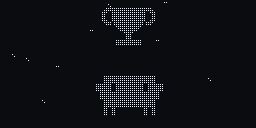
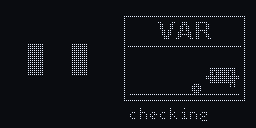
the longer the job took, the bigger the goal. a failed test gets a yellow card.

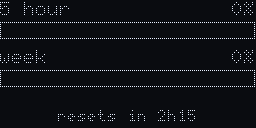
your 5 hour and weekly limits, on its face.

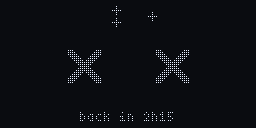
read from the Claude Code status line. running low and it gets tired, then stoppage time. hit the limit and it tells you when you're back. the limits show with a Claude subscription login.

type /clawd in Claude Code to see them any time. it never reaches Claude, so it costs no turn. a double tap on the pad usually shows them too.

music on.

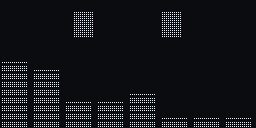
play something on the laptop. the song name scrolls by and the equalizer bars move to what the laptop is playing.

nothing running? it has a coffee.

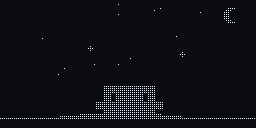
or it juggles, plays football, stares at the stars and naps. at night it falls asleep faster.

what it does is picked at random with cooldowns, so it rarely does the same thing twice in a row.

pet it.

one touch pad, on top of its head. tap it and it smiles. hold it and it loves you back. hold a bit longer for the menu: games and usage.

screen

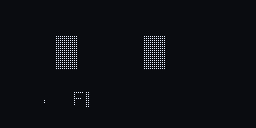
128 by 64 pixels.
one bit each.

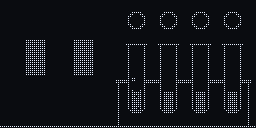
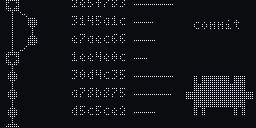
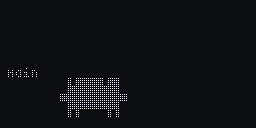
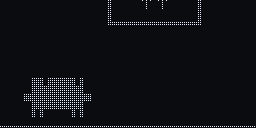
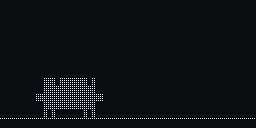
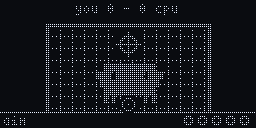
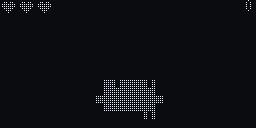
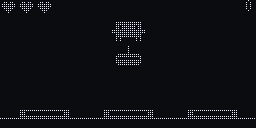
every animation is drawn by the firmware, pixel by pixel, at 40 frames a second. this is the real frame data, one square per pixel.

thinking_words

animations

a few of them, straight from the firmware. the rest you'll see on your own desk.

thinking words
thinking
lightbulb
reading
typing
typing along
keyboard peek
letters fly
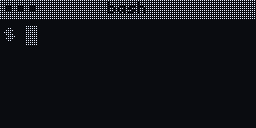
terminal
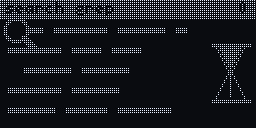
searching
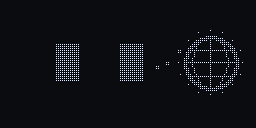
web search
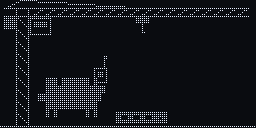
build crane
test tubes
git graph
branch merge
packages
squad march
subagents
needs you
rubber duck
goal
bicycle kick
trophy
bug squashed
yellow card
red card
var check
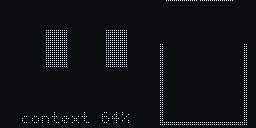
context filling up
usage
limit hit
now playing
equalizer
music
headbang
dance
coffee
juggling
paper plane
stargazing
dreaming
petted
love

in the menu

7+ games, one button.

tap to jump, kick or allow. they're easy on purpose, and high scores survive unplugging.

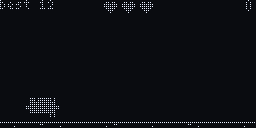
G1 bug run
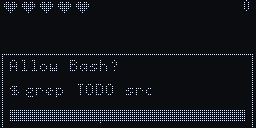
G2 permission panic
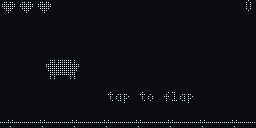
G3 flappy clawd
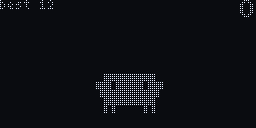
G4 keepy uppy
G5 penalties
G6 token catch
G7 whack a bug

G2, the rule

allow npm test.
never rm -rf /.

how it works

from a hook to a pixel.

nothing leaves your laptop. Clawd gets the event, the tool name, the project folder name and your usage. never your prompts or code.

  1. 01

    Claude Code

    every prompt, tool call, permission prompt and finish runs a hook. the status line adds your usage.

  2. 02

    the bridge

    a small Python service on the laptop turns each one into a short line of text, like ev tool Bash, and sends it over USB.

  3. 03

    Clawd

    the ESP32 picks what to play and draws it at 40 fps. when nothing is talking to it, it just lives on its own.

specifications

about $5 of parts.

displaySH1106 OLED, 1.3", 128 x 64, 1 bit
controllerESP32-C3 Super Mini, RISC-V
inputTTP223 capacitive pad, GPIO1
linkUSB-C, plain text lines over USB serial
animations100+
games7+, high scores survive unplugging
laptop sidePython bridge, Claude Code hooks, status line
works onLinux for now. typing needs X11, music needs parec
housingred and black PLA, about 40 g
partqtyapprox
ESP32-C3 Super Mini1~$2
SH1106 OLED, 1.3"1~$2
TTP223 touch pad1~$0.2
PLA, red + black40 g~$1
USB-C cable, with data1you have one
total~$5 + shipping

build

build one.

you need a 3D printer, the parts above and a Linux laptop with Claude Code.

  1. 01

    print the body

    body, back plate and stand are in hardware/print. no supports. the inner frame is the Mochi housing by Dave0616, so it fits as is.

  2. 02

    flash the board

    get the .bin from the releases page and flash it at 0x0 with espressif's web flasher in Chrome. or let the setup below do it.

  3. 03

    set up the laptop

    run the command below. it installs the bridge, the hooks and /clawd, and asks about the status line. restart Claude Code and say hi.

one command

curl -fsSL https://tinyclawd.deepakpopli.in/install.sh | bash

it asks before it flashes or uses sudo, and backs up your Claude Code settings first. undo: python3 ~/.tinyclawd/bridge/setup.py --remove && rm -rf ~/.tinyclawd

or let Claude Code set it up

Set up Tiny Clawd (https://github.com/deepakpopli/tinyclawd) on this Linux machine for me.
Before each step, say what you will do and wait for my OK. Never run sudo: show me the command and I run it.
1. Clone the repo to ~/.tinyclawd (git pull if it is already there). Read README.md and bridge/README.md.
2. Check that /usr/bin/python3 (or python3) can import serial. If not, tell me the package for my distro.
3. Ask if I want to flash the board. Only if I say yes: find it by its Espressif USB id, get the .bin from
   the latest GitHub release and flash it at 0x0 with esptool (stop tinyclawd-daemon first if it runs).
   If the port is not writable, tell me how to join the dialout group.
4. Run python3 ~/.tinyclawd/bridge/setup.py --dry-run and show me what it would change. If it says I have
   no status line, ask me which one I want: visible (shows usage), hidden (only feeds Clawd) or none.
   Then run setup.py for real, with --statusline <my answer> if you asked.
5. Test it: python3 ~/.tinyclawd/bridge/tinyclawd.py send ev done should make Clawd celebrate.
6. Tell me to restart Claude Code, and how to undo: python3 ~/.tinyclawd/bridge/setup.py --remove && rm -rf ~/.tinyclawd

paste it into Claude Code. or set it up by hand.